
AI planning tools help teams organize and manage their projects and tasks more efficiently by automating routine work and offering smart scheduling options. They use artificial intelligence to prioritize tasks, allocate resources, and set reminders, which allows teams to stay focused and meet deadlines without extra stress. This makes complex project management simpler and more reliable.
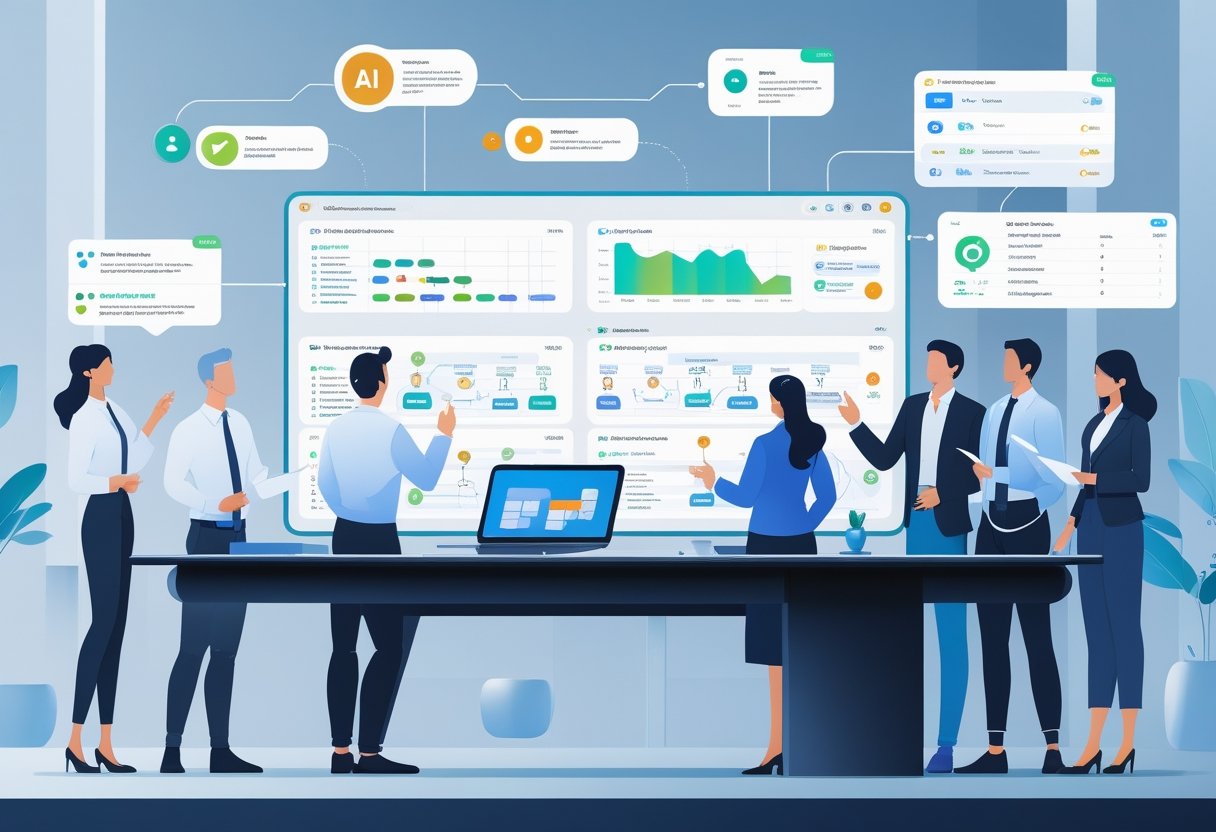
These tools can handle many aspects of project planning, like tracking progress, predicting risks, and optimizing workloads. By making it easier to visualize dependencies and plan accordingly, AI planning tools support better decision-making and help avoid common project pitfalls.
Many platforms now combine AI with project management features to boost productivity. They assist teams in real-time collaboration and keep everyone aligned, improving the overall workflow and making projects run smoother.
Key Takeways
- AI tools automate and prioritize tasks for better project management.
- They help predict risks and optimize team resources.
- Real-time collaboration improves team coordination and workflow.
Core Features of AI Planning Tools
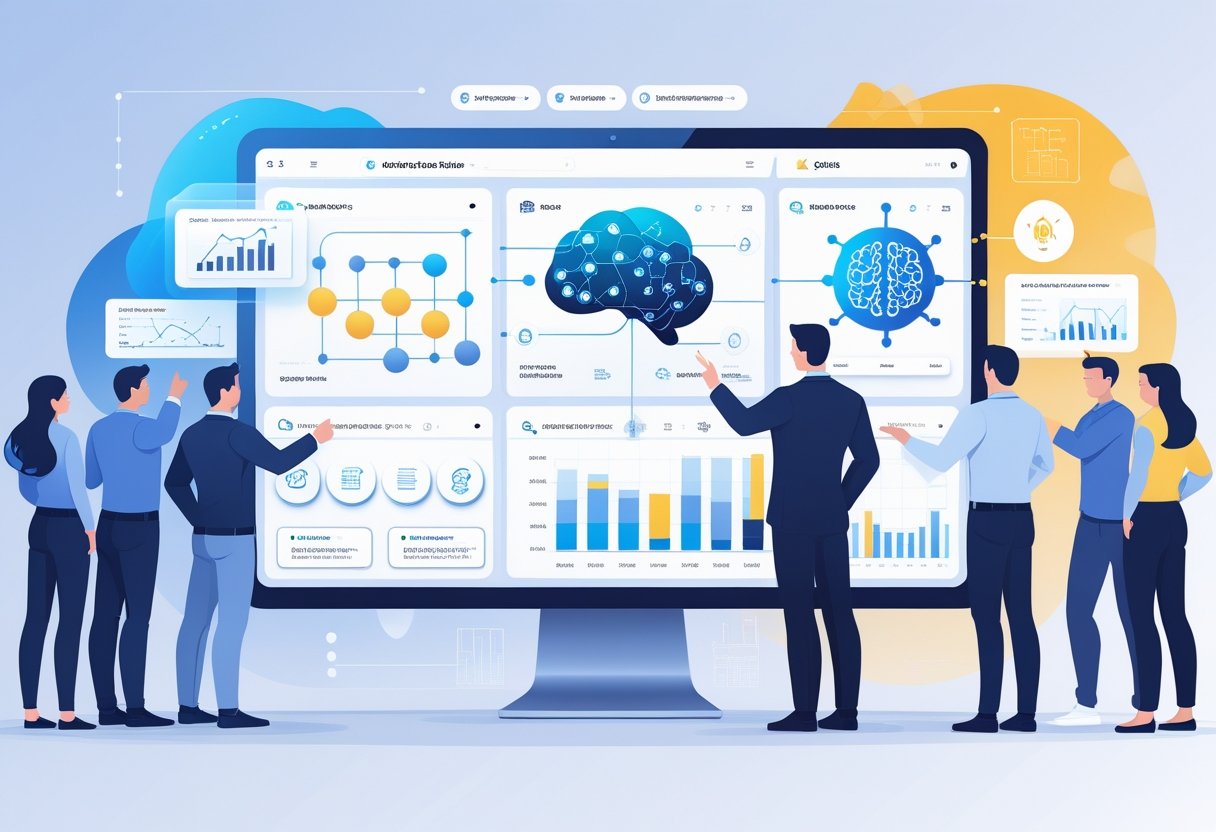
AI planning tools combine several important functions that help teams organize projects, manage tasks, and automate workflows. These tools use smart technology to improve accuracy and efficiency in daily project activities. They enable better tracking and decision-making by using data in real time.
Project Planning and Task Management
AI planning tools provide structured ways to organize projects from start to finish. Users can break projects into tasks, assign deadlines, and track progress easily. These tools often include visual boards like Kanban or Gantt charts to map out timelines and dependencies clearly.
Task management features ensure every task is prioritized and assigned based on team availability and skill sets. Users get notifications about deadlines and project updates to stay on schedule. AI helps identify task bottlenecks early, allowing teams to reallocate resources quickly.
These tools support collaboration, enabling comments, file sharing, and real-time updates. This centralization reduces errors from scattered communication and manual tracking. Overall, AI planning tools create a clear framework for managing complex projects efficiently.
AI Capabilities in Modern Tools
Modern AI planning tools use machine learning and natural language processing to enhance project workflows. They analyze past project data to predict risks and identify potential delays before they happen. This predictive insight helps managers plan better and avoid surprises.
AI can suggest task priorities, automate status updates, and summarize project reports automatically. Some tools include AI assistants that respond to queries or help manage tasks via chat or voice commands.
Data-driven decision-making is another key feature, where AI analyzes large datasets to recommend optimal strategies. This reduces guesswork and supports more informed choices. AI capabilities also improve resource allocation by considering workload and skills dynamically.
Workflow Automation and Automations
Workflow automation is central to AI planning tools, removing repetitive manual tasks from project teams. Automations handle actions like scheduling meetings, sending reminders, or updating task statuses without human input.
Users can set custom triggers and rules to automate steps within project processes. For example, when a task is marked complete, the tool might automatically assign the next task or notify stakeholders.
Automation improves consistency and speeds up workflows. It also reduces human error related to manual entries or missed updates. Some AI tools integrate with communication platforms to streamline team collaboration further.
By automating routine work, teams focus more on strategic planning and problem-solving rather than administrative duties. This supports higher productivity and better project outcomes.
Managing Projects and Tasks With AI
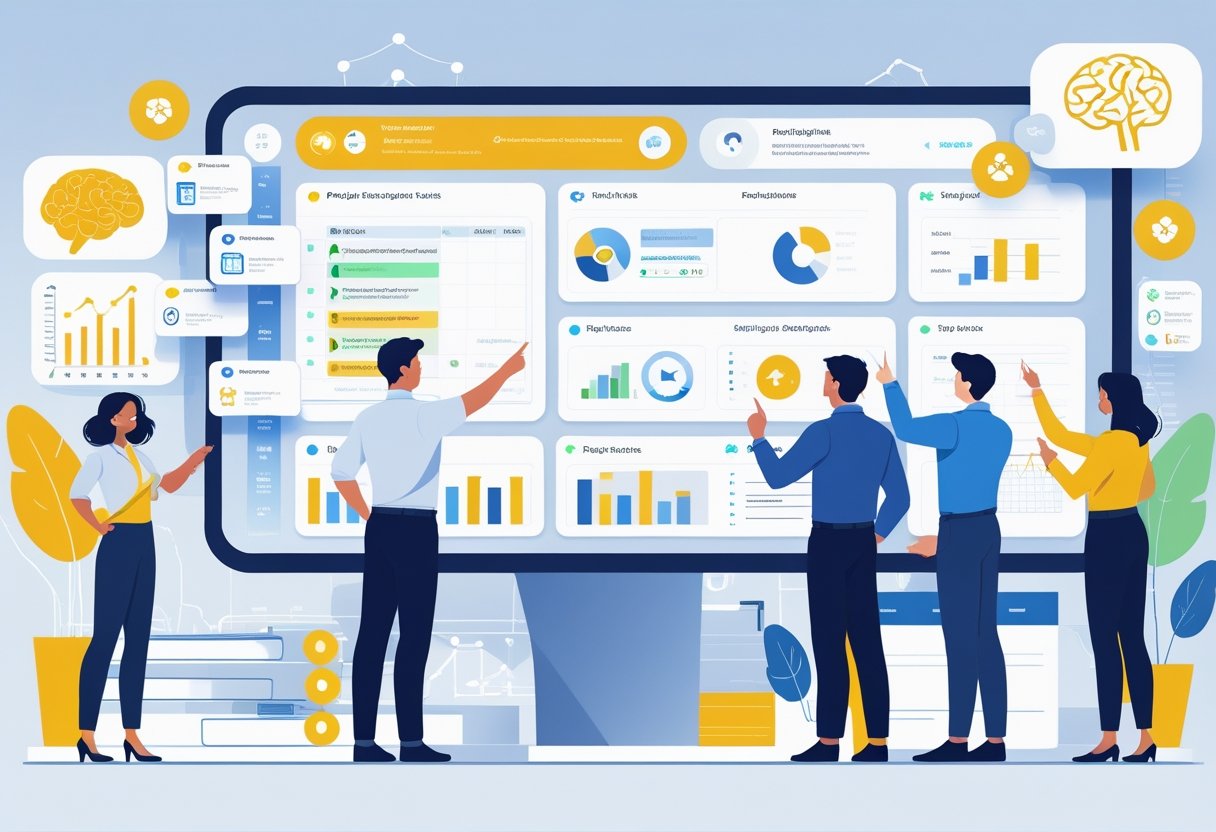
AI enhances how teams plan and execute projects by automating scheduling, assigning tasks, managing resources, and tracking progress. It helps maintain clear project timelines, balances workloads based on team capacity, and improves project visibility. These tools reduce manual work and support better decision-making.
Project Scheduling and Timelines
AI-powered project scheduling tools analyze deadlines, task dependencies, and team availability to create accurate project timelines. They automatically adjust schedules when changes occur, like delays or added tasks, minimizing the risk of missed deadlines.
These tools also prioritize tasks based on urgency and resource availability, helping teams focus on what matters most. By integrating calendars and timelines, AI tools offer a clear visual overview of the project’s flow, enabling managers to foresee bottlenecks early and reallocate tasks quickly.
Automated reminders and updates keep the entire team aligned with real-time schedule changes, ensuring consistent progress.
Task Assignment and Tracking
AI streamlines the process of assigning tasks by analyzing each team member’s skills, current workload, and availability. It creates optimized task lists that improve efficiency and reduce bottlenecks.
Tracking tools powered by AI monitor task completion statuses continuously. They provide alerts on overdue or at-risk tasks, keeping project managers informed without constant manual checks.
AI can generate summaries of task updates, helping teams stay focused without reading through numerous messages. It also assists in writing clear, concise task descriptions and status reports, reducing communication errors.
Resource and Workload Management
Effective resource management relies on AI to match team capacity with project demands. AI tools predict workload distribution by evaluating task complexity and team availability, preventing burnout and underuse.
They enable managers to balance work by reallocating resources when schedules shift or projects expand. AI also supports budget control by linking resource use to costs, helping avoid overspending.
With real-time dashboards, project visibility improves, making it easier to track who is working on what and forecast future resource needs.
Milestones and Progress Tracking
AI-driven progress tracking creates automated reports on milestones and key deliverables. It compares actual performance against planned schedules to highlight any delays.
These tools generate clear visual summaries that show completed tasks, upcoming deadlines, and remaining work. This improves stakeholder communication and helps prioritize critical milestones.
AI also identifies risks early by analyzing project trends and patterns, enabling proactive management. Continuous updates and detailed recaps give teams the insights needed to stay aligned and meet goals on time.
Top AI Planning Tools for Projects and Tasks
AI planning tools help teams manage tasks efficiently by automating routine work and improving visibility into project progress. These tools often include features like task prioritization, real-time updates, and smart scheduling to keep projects on track. Many also offer flexible views and reporting options to fit different workflows and organizational needs.
Overview of Leading Platforms
Several AI-powered platforms are popular for project and task management. Asana and ClickUp stand out for their automation and AI-driven suggestions that improve task prioritization. Monday.com uses AI to predict project risks and optimize timelines, while Wrike offers smart workload management and custom workflows.
Jira focuses more on software teams, combining AI with agile practices. Trello and Taskade provide user-friendly Kanban setups enhanced with AI-powered task recommendations. Platforms like Smartsheet and Forecast integrate AI with strong resource and budget tracking.
Most of these platforms support mobile apps and external integrations, enabling teams to stay connected and manage projects from anywhere.
Kanban Boards and Gantt Charts
Kanban boards remain a favorite visual tool, widely used in Trello, ClickUp, and Taskade. These boards help users track task progress through drag-and-drop cards. AI features in these tools can automatically sort tasks by priority or deadline to reduce manual organizing.
Gantt charts are crucial for timeline tracking and resource allocation. Platforms like Smartsheet, Wrike, and Monday.com offer dynamic Gantt views that update automatically as tasks change. AI in these tools can forecast delays and suggest adjustments to keep deadlines realistic.
Both Kanban and Gantt views are often enhanced with additional features like timeline views and calendar syncing, helping teams visualize workloads across time and manage overlapping tasks clearly.
Custom Dashboards and Reporting
Customizable dashboards are essential for tracking key metrics and project health. Tools like Asana, ClickUp, and Wrike provide drag-and-drop dashboards that can display task statuses, team performance, or budget use. AI can highlight risks or bottlenecks in these views.
Reporting options vary but often include real-time updates, trend analysis, and exportable reports. AI-powered analytics help uncover hidden patterns, like recurring delays or task dependencies, enabling proactive decision-making.
Platforms increasingly allow users to tailor dashboards with widgets and integrations. This flexibility supports teams of all sizes and industries in focusing on what matters most at a glance.
Collaboration and Real-Time Coordination
Successful AI planning tools for projects focus heavily on helping teams work together instantly and clearly. They provide features that allow teams to see project progress live, share updates quickly, and keep tasks organized no matter where members are located.
Real-Time Collaboration Features
AI planning tools often include real-time dashboards that show project status and task completion as they happen. This boosts project visibility for managers and team members alike, helping spot delays early.
Many tools use drag-and-drop interfaces to move tasks between stages or assign new work. This makes updating plans fast and reduces confusion. Integrated timesheets and time tracking help teams log hours directly in the system, improving accuracy and simplifying reporting.
Document sharing and live editing features allow multiple team members to work on files simultaneously. This avoids version conflicts and speeds up feedback cycles, especially in design or content-heavy projects.
Team Communication Tools
Clear, instant communication is vital in project management. AI tools include built-in chat, comment threads, and discussion boards to keep all conversations tied to specific tasks or projects.
Some platforms allow creating channels for different teams or project topics to organize dialogue better. This helps reduce email usage and keeps conversations centralized.
Notifications and alerts update team members on task changes or deadlines. While useful, managing notification overload is key for maximizing focus and minimizing distractions.
Managing Projects On the Go
Mobile apps expand AI planning tools’ reach by enabling teams to check updates, manage tasks, and communicate from anywhere. This supports remote work and quick decision-making outside the office.
On mobile, users can view real-time dashboards and adjust schedules on the fly. Time tracking and timesheet submissions are often built in, ensuring accurate records regardless of location.
Mobile usability is critical; a clean, responsive interface helps users interact with complex project data easily. This flexibility keeps teams connected and productive throughout the project lifecycle.
Frequently Asked Questions
AI tools for project management help teams organize tasks, manage resources, and track progress with greater accuracy and speed. They often include automation, real-time collaboration, and smart scheduling features.
What are the top free AI tools available for project management?
There are several free AI-powered tools that assist with project management. Microsoft Planner offers AI features for task tracking and chatbot support. Trello provides automation through Butler, which helps with task management.
Other options include ClickUp and Asana, which have free versions with AI-enhanced features like smart notifications and workflow automation. These tools help teams stay organized without a subscription fee.
How can AI enhance project planning and execution?
AI improves project planning by forecasting risks and timelines using data analysis. It automates routine tasks such as updating schedules and assigning resources, saving time.
During execution, AI provides real-time insights on project status and potential bottlenecks. It also supports better communication by offering chatbots and smart reminders to keep teams on track.
What are the key features to look for in an AI project management tool?
Important features include task automation, resource optimization, timeline prediction, and integration with other software. AI-driven analytics and reporting help teams make informed decisions.
Real-time collaboration tools and AI-powered chatbots improve communication. Ease of use and adaptability to different project types also matter.
Are there any AI project management certifications available for professionals?
Yes, professionals can pursue certifications that focus on AI in project management. Organizations like PMI offer courses covering AI tools and digital project delivery.
These certifications teach how to apply AI techniques to improve project outcomes. They often include training on AI-driven software and data analysis.
Which AI task managers offer the best features without a subscription?
Free AI task managers such as Microsoft To Do and Google Tasks provide basic AI-driven organization. They integrate well with other productivity apps.
Trello's free plan with automation and ClickUp's free tier also offer strong AI capabilities. These tools allow users to manage tasks intelligently without paying.
What has been the experience of Reddit users with AI tools for project management?
Reddit users report varied experiences. Many appreciate AI features that reduce manual work and increase efficiency. However, some mention limitations in customization and occasional inaccuracies.
Users often recommend trying several tools to find the best fit for specific needs. Community feedback emphasizes the importance of easy integration and user-friendly design.


No comments:
Post a Comment